



The OGSIVEO Digital Companion can help you stay on track during your treatment journey
The OGSIVEO Digital Companion, available on the free Medisafe app, helps you:
- Get reminders for your scheduled doses and refills
- Log symptoms and potential side effects, and upload photos or scans of your desmoid tumor, which can help you have more productive conversations with your care team
- Find OGSIVEO information, tips, and resources conveniently within the app
- Manage your doctor’s appointments and medications—including OGSIVEO—in one place
- Share your information with your family or care partners
Plus, patients who are enrolled in SpringWorks CareConnections® can connect with their Nurse Advocate directly through the app.
Medisafe is available for iOS and Android.

Accessing the OGSIVEO Digital Companion
Follow the steps below to download the Medisafe app and access the OGSIVEO Digital Companion:

If you’re on a desktop computer, scan the QR code. If you’re on a mobile device, tap the badge that corresponds to your device.



Tap “Get” or “Install” to download the free Medisafe app.


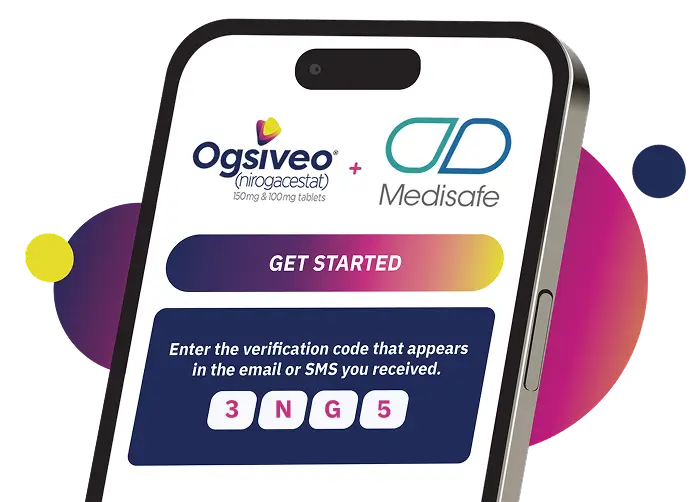
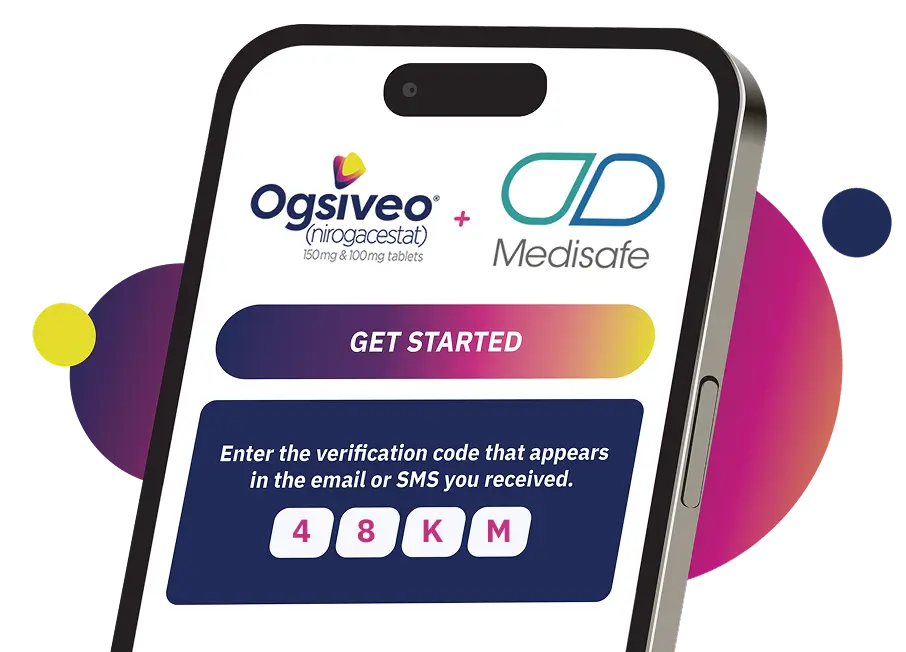
Open Medisafe, then tap “Get Started.”
Registration in the OGSIVEO Digital Companion should begin automatically. If registration does not start, tap “Enter verification code” and enter the following verification code:
3NG5
48KM

Complete the onboarding steps and access the OGSIVEO Digital Companion.
Patients who are enrolled in SpringWorks CareConnections can obtain a verification code from their Nurse Advocate to register.
If you require technical support, please contact the Medisafe Customer Support team by sending an email to programsupport@medisafe.com.

Sign up for information & resources
Sign up for information, tips, and resources to help you talk to your doctor as you navigate your treatment journey.